
Software testing is the backbone of delivering reliable applications, and one of the most widely used approaches is black box testing. Whether you are a QA beginner or an experienced tester, understanding black box test cases examples can significantly improve your testing skills and help you identify bugs effectively.
In this comprehensive guide, we will explore real-world examples, structured test cases, techniques, tables, and insights that align with industry practices and top-ranking resources.
Table of Contents
What is Black Box Testing?
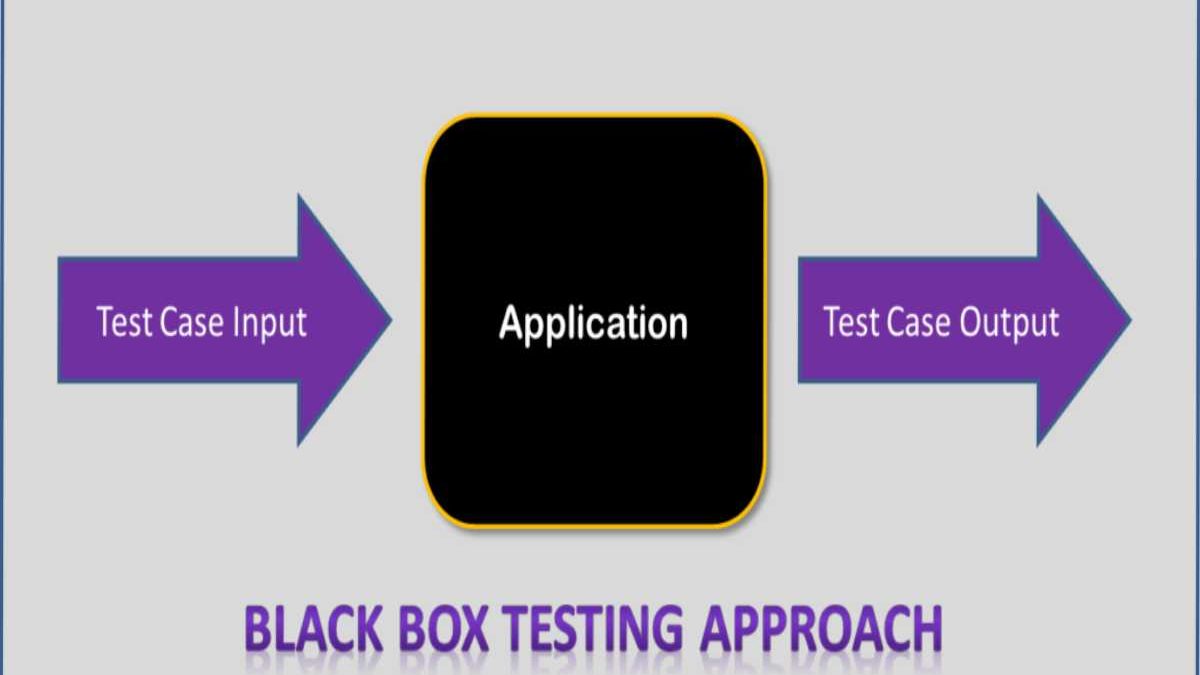
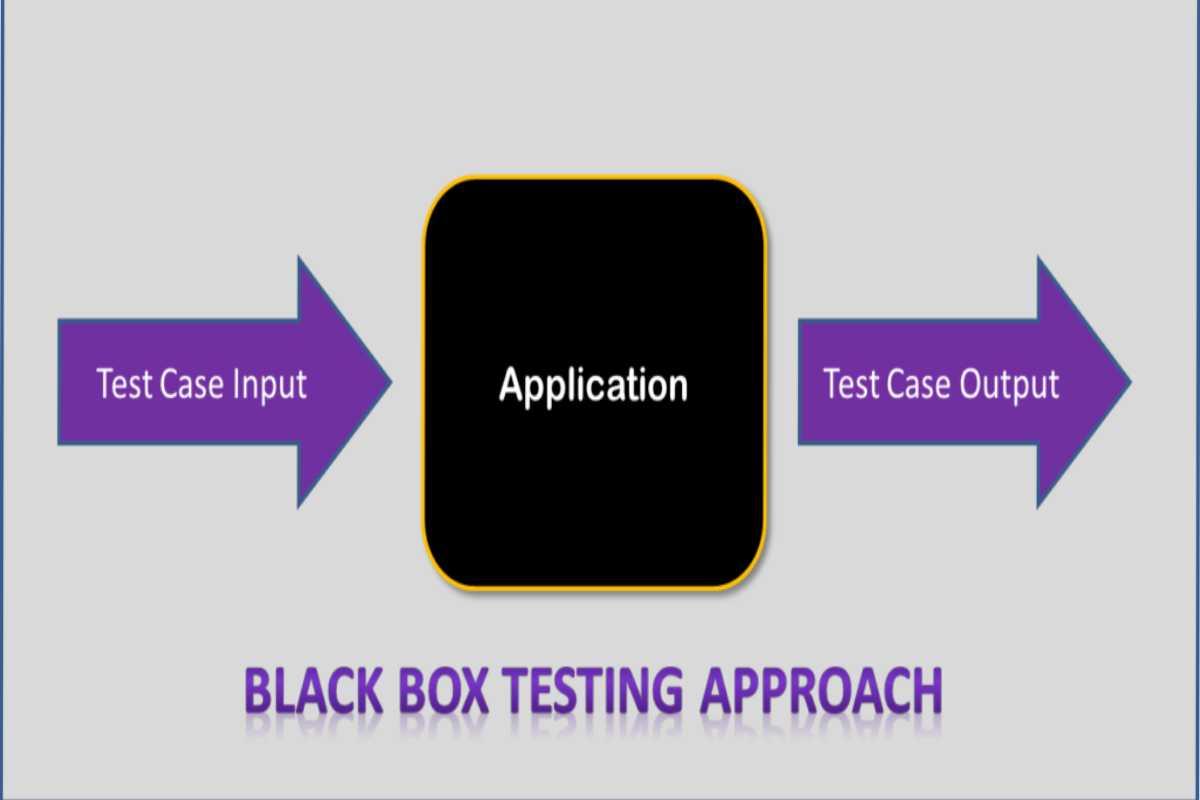
Black box testing is a software testing technique where testers evaluate the functionality of an application without knowing its internal code structure.
Instead of focusing on how the system works internally, testers validate:
- Inputs provided to the system
- Outputs generated by the system
- Behavior under different conditions
In simple terms, the tester acts like an end user interacting with the system.
Why Black Box Testing is Important
Black box testing plays a critical role in ensuring software quality because:
- It validates real user scenarios
- It detects functional defects
- It ensures requirements are met
- It helps identify UI/UX issues
Key Benefits
- No coding knowledge required
- Focus on user experience
- Independent and unbiased testing
- Suitable for all testing levels
Types of Black Box Testing
| Type | Description | Example |
| Functional Testing | Verifies system functionality | Login, checkout |
| Regression Testing | Ensures new updates don’t break features | After updates |
| Usability Testing | Checks user experience | UI navigation |
| Performance Testing | Evaluates speed & scalability | Load testing |
| Security Testing | Identifies vulnerabilities | Penetration testing |
Black Box Testing Techniques
Before diving into examples, let’s understand the techniques used to design test cases.
- Equivalence Partitioning
- Divides inputs into valid & invalid groups
- Reduces number of test cases
- Boundary Value Analysis
- Tests values at edges
- Example: min/max limits
- Decision Table Testing
- Tests combinations of inputs
- State Transition Testing
- Tests system behavior across states
- Error Guessing
- Based on tester experience
Real-World Black Box Test Cases Examples
Now let’s explore practical examples with structured test cases.
1. Login Page Test Cases
One of the most common black box testing examples is login functionality.
Test Case Table
| Test Case ID | Scenario | Input | Expected Output |
| TC01 | Valid login | Correct username & password | Login successful |
| TC02 | Invalid password | Correct username + wrong password | Error message |
| TC03 | Empty fields | Blank username/password | Validation error |
| TC04 | SQL injection | Special characters | Input rejected |
| TC05 | Max length exceeded | Long input | Validation message |
Key Observations
- Validates authentication logic
- Ensures security measures
- Tests edge cases
2. E-Commerce Checkout Test Cases
Testing an online shopping flow is a classic black box scenario.
Test Case Table
| Test Case ID | Scenario | Steps | Expected Result |
| TC01 | Add to cart | Select product | Product added |
| TC02 | Apply coupon | Enter valid code | Discount applied |
| TC03 | Invalid coupon | Enter wrong code | Error message |
| TC04 | Payment success | Use valid card | Order confirmed |
| TC05 | Payment failure | Declined card | Transaction failed |
Price-Based Testing Example (E-Commerce)
| Price Range | Test Input | Expected Behavior |
| ₹0–₹100 | Low-cost item | Checkout allowed |
| ₹100–₹10,000 | Medium range | Discount applied |
| ₹10,000+ | High value | Extra verification |
3. Registration Form Test Cases
Registration forms are another key example.
Test Case Table
| Test Case ID | Field | Input | Expected Output |
| TC01 | Valid email | Accepted | |
| TC02 | Invalid email | Error message | |
| TC03 | Password | Weak password | Warning |
| TC04 | Password | Strong password | Accepted |
| TC05 | Phone | Letters input | Rejected |
Boundary Value Example
| Field | Min Value | Max Value | Test Case |
| Password | 6 chars | 12 chars | Test 5 & 13 chars |
| Age | 18 | 60 | Test 17 & 61 |
4. Search Functionality Test Cases
Search features are critical for user experience.
Test Case Table
| Test Case ID | Scenario | Input | Expected Output |
| TC01 | Valid search | “Laptop” | Relevant results |
| TC02 | Empty search | “” | Prompt message |
| TC03 | Special characters | “@#$%” | No crash |
| TC04 | Case sensitivity | “laptop” | Same results |
| TC05 | Long query | 100+ chars | Handled properly |
5. Payment Gateway Test Cases
Payment systems require extensive testing.
Test Case Table
| Test Case ID | Scenario | Input | Expected Result |
| TC01 | Valid card | Correct details | Payment success |
| TC02 | Expired card | Old date | Payment declined |
| TC03 | CVV mismatch | Wrong CVV | Error |
| TC04 | Network failure | Timeout | Retry option |
| TC05 | Double click | Multiple submits | Single transaction |
6. Mobile App Testing Examples
Black box testing is widely used in mobile apps.
Test Cases
- App launch
- Screen rotation
- Push notifications
- Offline mode
- App crash handling
Example Table
| Test Case ID | Scenario | Expected Result |
| TC01 | App launch | Opens successfully |
| TC02 | Rotate screen | Layout adjusts |
| TC03 | Offline mode | Error shown |
| TC04 | Background app | Resumes properly |
7. API Black Box Testing Example
APIs can also be tested without code knowledge.
Test Case Table
| Test Case ID | API Call | Input | Expected Output |
| TC01 | GET /users | Valid request | User list |
| TC02 | POST /login | Valid data | Token generated |
| TC03 | POST /login | Invalid data | Error response |
| TC04 | Timeout | Delay | Error handled |
Black Box vs White Box vs Grey Box Testing
| Feature | Black Box | White Box | Grey Box |
| Code Knowledge | No | Yes | Partial |
| Focus | Functionality | Code logic | Both |
| Skill Required | Low | High | Medium |
| Usage | User testing | Developer testing | Hybrid |
Advantages of Black Box Testing
- Tests real user scenarios
- Easy to execute
- No programming required
- Identifies missing functionality
Disadvantages of Black Box Testing
- Limited coverage
- Cannot detect internal bugs
- Depends heavily on requirements
Best Practices for Writing Black Box Test Cases
To create effective test cases:
Follow These Steps
- Understand requirements clearly
- Identify input scenarios
- Define expected outputs
- Use boundary values
- Include negative test cases
Checklist for Test Case Design
- Valid inputs tested
- Invalid inputs tested
- Edge cases covered
- Error messages verified
- UI behavior checked
Advanced Black Box Testing Scenarios
- Security Testing
- SQL injection
- Cross-site scripting
- Performance Testing
- Load testing
- Stress testing
- Usability Testing
- Navigation
- Accessibility
Real-Life Industry Use Cases
Black box testing is used in:
- Banking apps
- E-commerce platforms
- Healthcare systems
- SaaS products
Common Mistakes to Avoid
- Ignoring edge cases
- Missing negative scenarios
- Poor documentation
- Overlooking UI behavior
Future of Black Box Testing
With AI and automation tools like Selenium and Katalon, black box testing is evolving rapidly. Modern tools help:
- Automate test cases
- Increase coverage
- Reduce manual effort
Final Thoughts
Black box testing remains one of the most practical and widely used testing methods in software development. By focusing on real-world scenarios and user interactions, it ensures that applications behave exactly as expected.
From login forms to payment systems, the examples and test cases covered in this guide provide a strong foundation for designing effective test strategies.
If you consistently apply these techniques, you can:
- Improve software quality
- Detect bugs early
- Enhance user experience
Bonus: Quick Summary Table
| Area | Example |
| Login Testing | Valid/invalid credentials |
| E-Commerce | Cart & checkout |
| Forms | Validation rules |
| Search | Query handling |
| Payment | Transaction flow |